
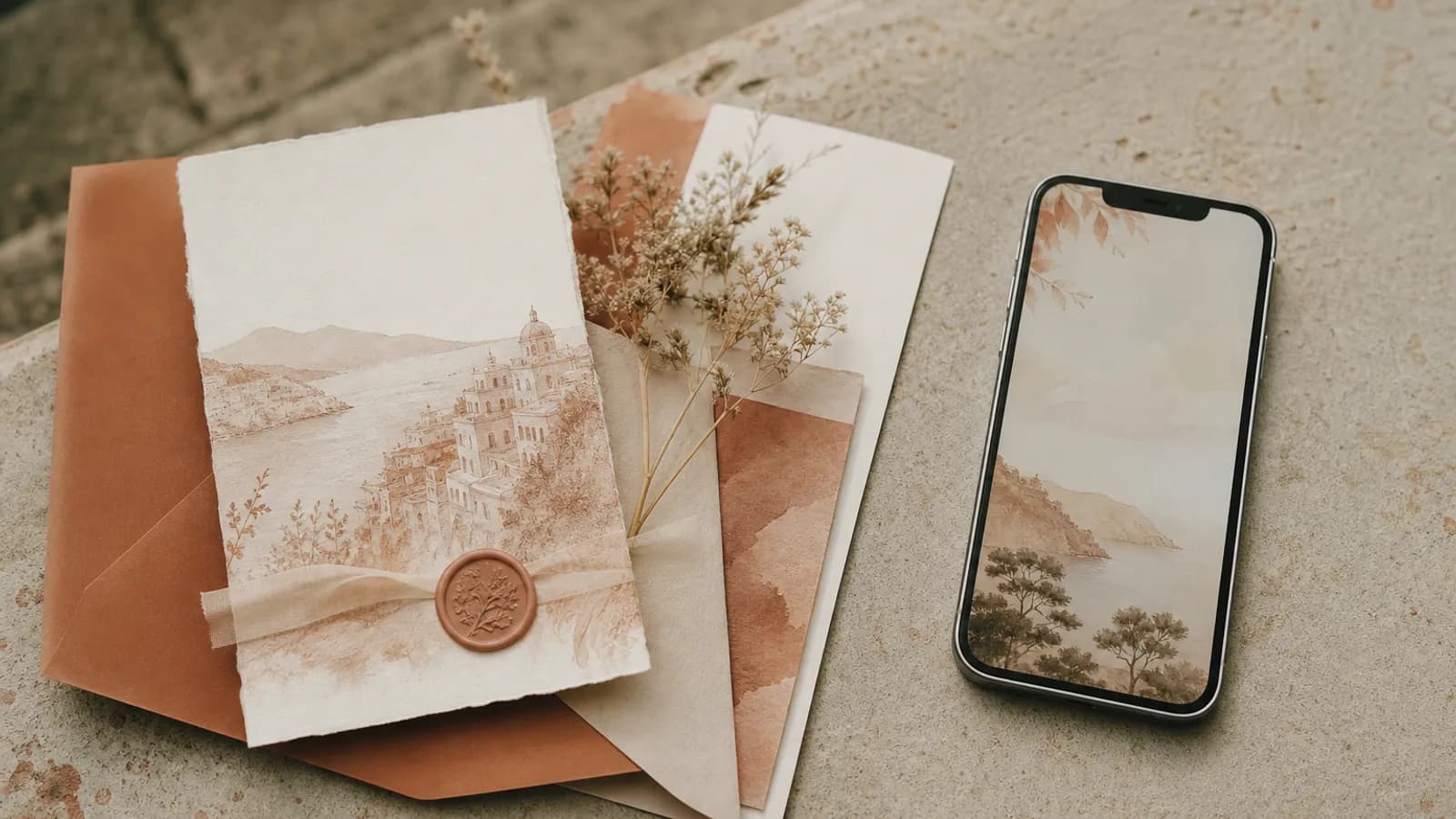
Choose the format by what a guest needs to do after opening it. A JPG works for a short announcement. A well-made PDF gives you a portable or printable document. A video creates a reveal, but it should not be the only place holding practical details. A wedding website suits travel and multi-day information. A hosted interactive invitation keeps the opening, event details and RSVP in one focused path.
A digital invitation is not a single format
“Digital” only tells you that the invitation travels through a screen. It does not tell you what opens.
A guest might receive an image in a message, a PDF attachment, a video file, a link to a wedding website, or a link to an interactive invitation. Each behaves differently when a guest needs directions, increases the text size, replies for a household or checks the ceremony time again next week.
Our opinion is simple: a screenshot is an announcement, not a complete digital invitation, when the job includes updates or RSVP.
| Format | What the guest opens | After details change | Where RSVP happens | Best fit | Main risk |
|---|---|---|---|---|---|
| JPG or PNG image | An image inside a message or gallery | The original image stays wrong; send a correction or replacement | In a separate message, form or phone call | A short announcement with a separate reply plan | Small embedded text does not reflow; hyperlinks embedded in the JPG or PNG file do not work, although the surrounding message or page can link the image |
| A document in a viewer, browser or download | Send a revised file, unless one stable link always serves the latest version | Through a linked form, email or another service | Portable stationery that may also be printed | Downloads, viewer differences and missing accessibility tags can add friction | |
| MP4 or hosted video | A video file or player | The old file remains unless a stable hosted page is updated | Through a separate link or message | A visual reveal or short story | Practical details are slow to scan again and meaningful audio needs captions |
| Wedding website | A browser site with several information sections | Edit the live page once | On the site when supported | Destination weddings, accommodation, registry and a multi-day schedule | The invitation moment can disappear inside a broad planning hub |
| Hosted interactive invitation | A focused browser invitation with an opening and event details | Edit the live invitation once | Inside the same guest path when supported | A memorable opening followed by event details and RSVP | Features, sending and account requirements vary by provider |
| Paper plus live link | A printed card and a browser link or QR code | The card stays fixed; the live page can change | On the linked page or by phone | A tactile keepsake with a current reply path | The printed details become outdated if the live page changes |
What each format does well
Image: simple to share, easy to outgrow
A JPG or PNG can sit directly in a message without asking the guest to open another file. That makes it useful for a short save-the-date or a visual reminder.
The limit is structural. Canva's current hyperlink guidance says links do not work in JPG or PNG exports. Text baked into an image also cannot reflow like browser text. The W3C text-alternative guidance explains why essential non-text content needs an equivalent in real text.
If you send an image, repeat the couple's names, date, place and reply method in the message itself. Do not make the artwork the only copy of the facts.
PDF: useful stationery, not automatically accessible
A PDF can preserve typography across devices, hold several pages and include active links. It can also be printed by the guest. A PDF suits couples who want a fixed-layout document that can be downloaded or printed.
Accessibility depends on how the file is made. Adobe's PDF accessibility workflow calls for document tags, logical reading order, alternatives for images and correctly tagged links. An elegant page exported without those checks can read in the wrong order through assistive technology.
A PDF also needs a correction plan. If the ceremony time changes, decide whether one stable link will serve the latest file or whether every guest must receive a new attachment.
Video: a reveal, not a reference sheet
Video can carry illustration, music and pacing that a still file cannot. It is best used as the emotional layer.
Keep date, place, directions and reply instructions beside it as text. Guests should not need to scrub through a film to find the ceremony time. If meaningful information is carried by audio, WCAG 2.2 requires captions for prerecorded synchronized media, unless the video is clearly an alternative for equivalent text.
Wedding website: the information hub
A wedding website is useful when the event needs accommodation, travel notes, several days of schedules, a registry or a longer story. The live page can be edited after the link has been sent.
Account friction depends on the service. Joy states that a guest can view its wedding website and RSVP in a browser without creating an account, while using its guest app does require one. Check the browser route, not only the couple's editor.
Hosted invitation: one deliberate guest path
A hosted interactive invitation is narrower than a full wedding website. It opens as an invitation, then presents the couple's names, date, venue, schedule and RSVP. Saventify belongs in this category.
Saventify pairs a deliberate invitation opening with editable details, integrated RSVP, unlimited guests, multiple languages and one payment, and confirmed guests continue into a visual table planner that shows the venue in 3D at its real size. Delivery and reminders stay in your own email, SMS or WhatsApp, so each message keeps your voice; a registry and guest photo collection are not part of the product. Paperless Post is stronger when platform-sent delivery tracking and reminders are the deciding criteria. Joy is stronger when a free wedding website with travel tools and a registry matters more than the opening.
What a hosted invitation looks like in practice
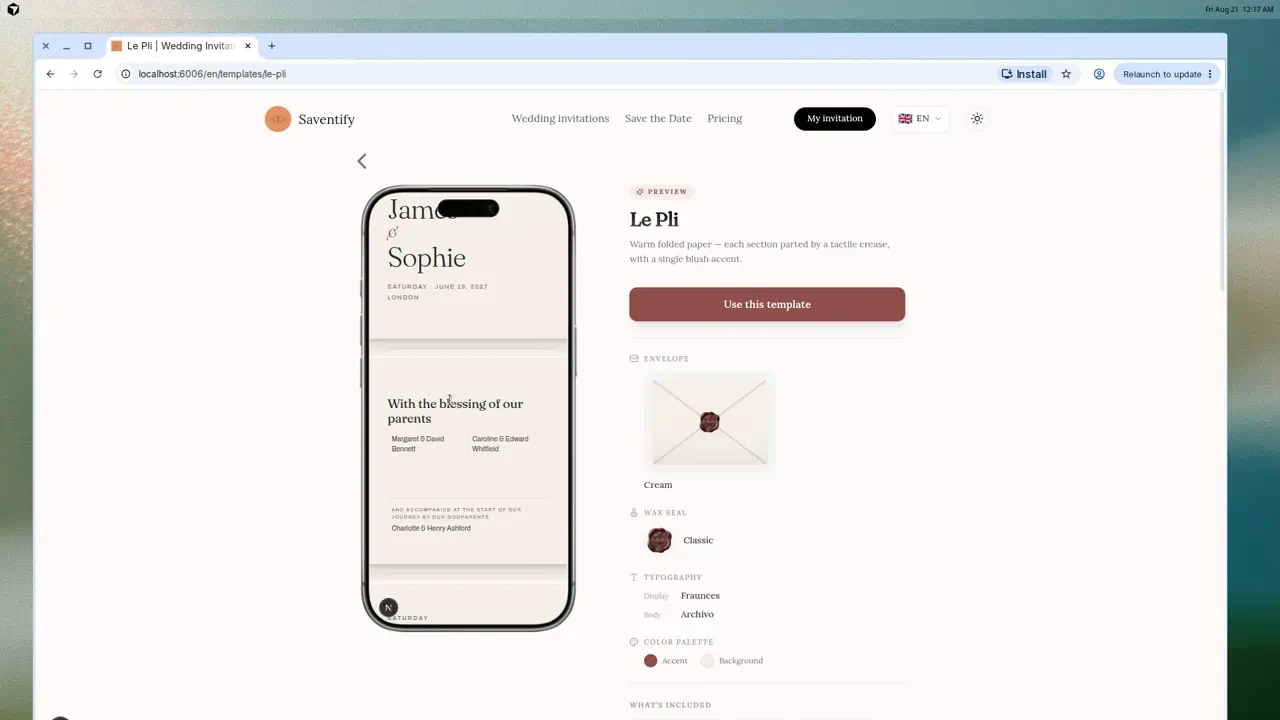
Try it as a guest
Open the invitation, then find the details and RSVP
Read the date, open the map and locate the RSVP. A live preview tells you more than a format label.
Compare all templates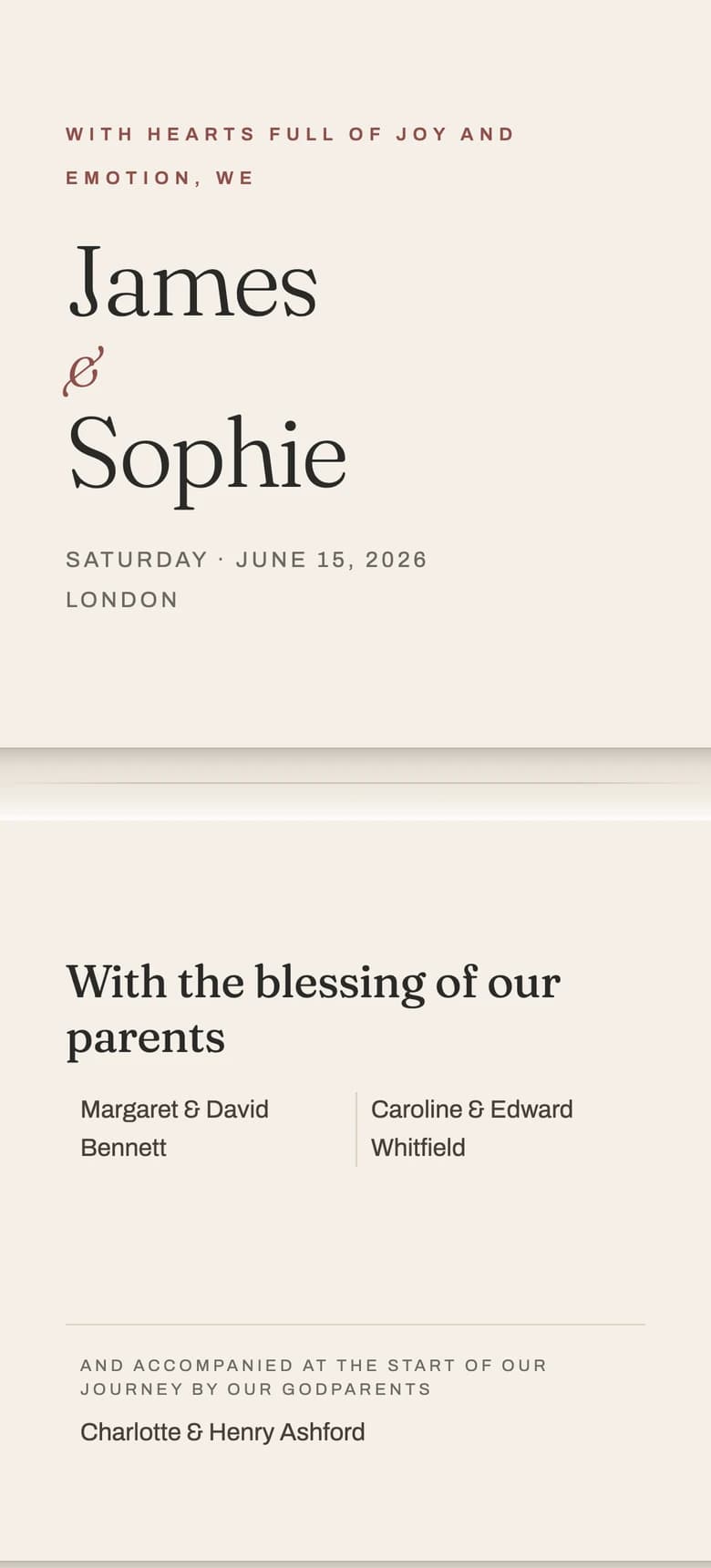

Test the same details in every format
Do not compare a polished website demo with a rushed PDF. Put the same names, date, venue, changed-time notice and RSVP request into an image, PDF, video, wedding website and hosted invitation. Then test each one as a guest would.
- Can you find the couple, date and start time without zooming?
- Can you open directions without copying an address?
- Can one guest, a couple and a family each reply clearly, including when someone declines?
- Is a download, account, password or app required?
- What does the guest see after the ceremony time changes?
- Can you find the information again the next day?
- Does the format still work with larger text, keyboard navigation and reduced motion?
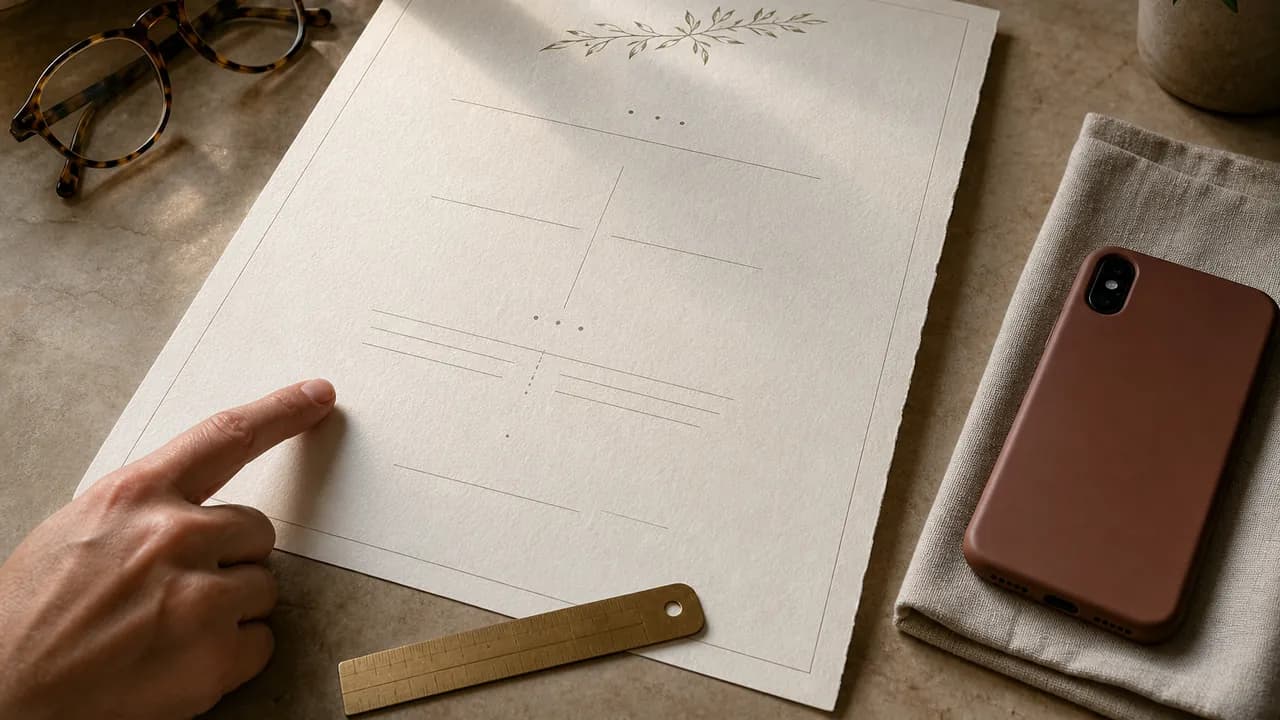
For vertically scrolling browser content, WCAG 2.2 AA expects non-exempt content to work at a width equivalent to 320 CSS pixels without loss of information or functionality and without two-dimensional scrolling. WCAG also sets a 24 by 24 CSS pixel minimum target size, with defined exceptions. Those are more useful checks than a vague “mobile-friendly” badge.
Test the return visit
Do not test only the first opening. Close the invitation, wait, then return to the original message and try to find the venue and RSVP again.
Format and delivery channel are separate decisions
WhatsApp, email and SMS are channels. They can carry an image, attachment or link. A QR code is another way to open a link, not an RSVP or check-in system by itself.
| Channel | Image | Video | Website or hosted invitation | |
|---|---|---|---|---|
| WhatsApp or another chat | Appears as media | Opens as a document | Plays as media | Opens in the browser |
| Inline or attached | Attached or linked | Attached or linked | Linked | |
| SMS | Usually sent as MMS | Usually linked | Usually linked | Linked |
| Printed card | Printed image | Printed document | Not applicable | Printed short link or QR code |
The platform may send from its own system, or it may give you a link to share yourself. Paperless Post documents sending status, email or text opens, event-page views and replies for invitations sent directly through its platform. Saventify gives the couple a link to share through their chosen channel; it does not send invitations on the couple's behalf.
For wording and channel choice, use our separate guide to sending wedding invitations by WhatsApp, email or link. For the format itself, start with our digital wedding invitation guide.
Choose by the shape of the wedding
- A local, single-day wedding: use a hosted invitation when you want the opening, directions and RSVP together. An image can work when the guest list is small and replies are handled personally.
- A destination or multi-day wedding: use a wedding website, or a hosted invitation that genuinely has room for travel, accommodation and each event.
- A formal paper-first celebration: keep the printed suite, then add a live reply link for updates and RSVP.
- A multilingual family: choose a hosted format that gives each guest the intended language version while keeping one guest list. Do not assume automatic language detection.
- A guest who needs an offline route: offer a printed card and a phone reply. Accessibility is individual, not an age category.
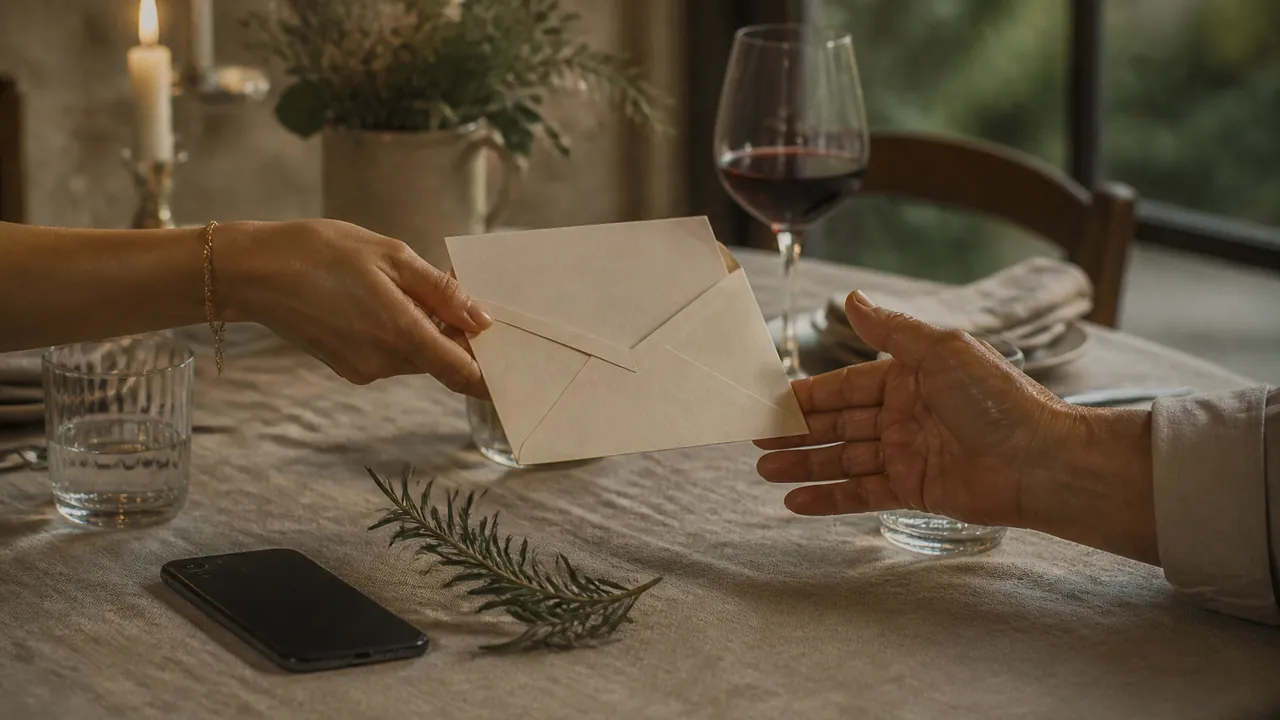
The hybrid is not a compromise when each piece has a clear job. Paper carries the keepsake. The live page carries changes, directions and replies.
Questions couples ask before choosing
Image, PDF or wedding website
Choose the format that still makes the venue and RSVP easy to find on the second visit.
Test one invitation from opening to RSVP
Open Le Pli on a phone and follow the same path a guest would take. You can edit the invitation before deciding to publish.
Open Le Pli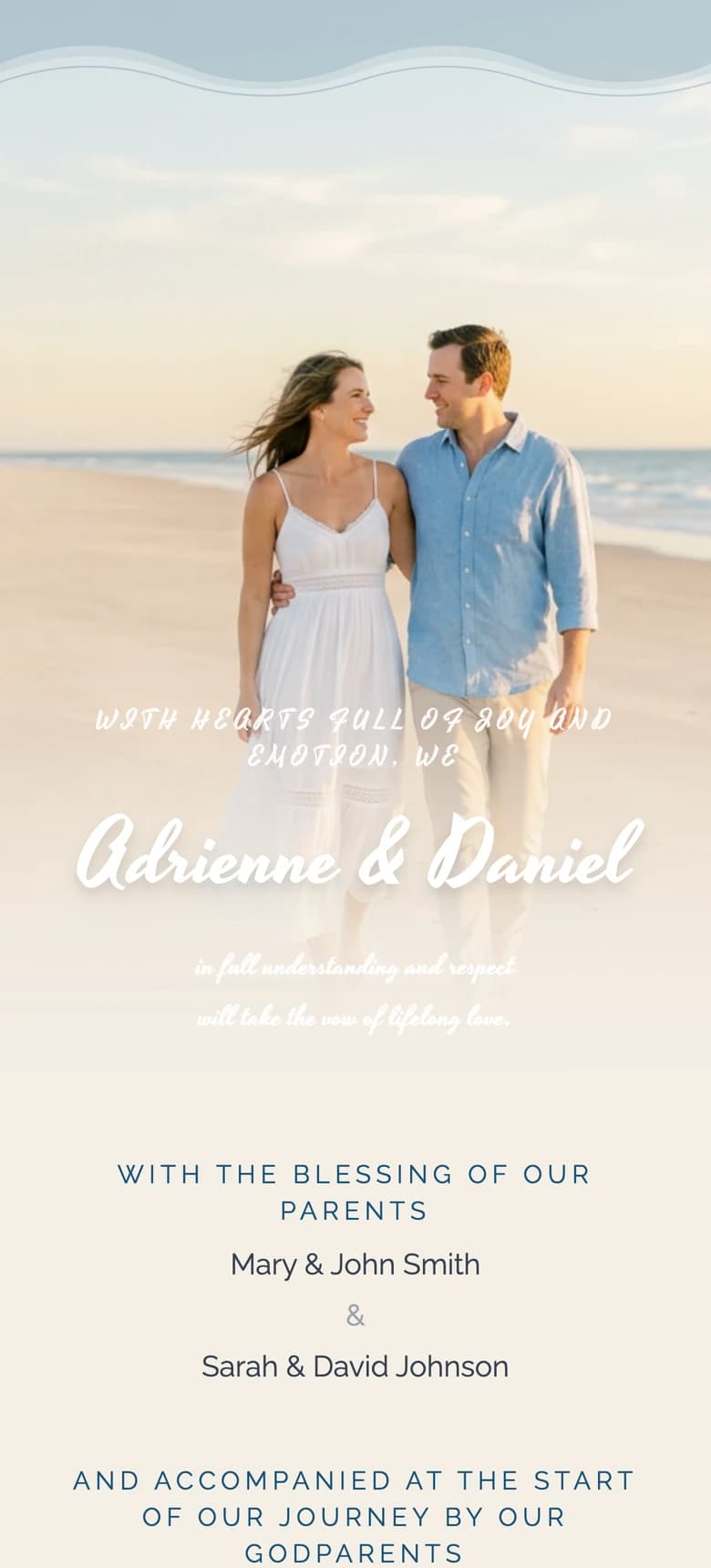
About the author
Wedding invitations, RSVP and save the date
Larisa writes the Saventify wedding guides. She covers digital invitations, save the dates, RSVP, guest lists and the templates couples actually send.
All articles by Larisa