
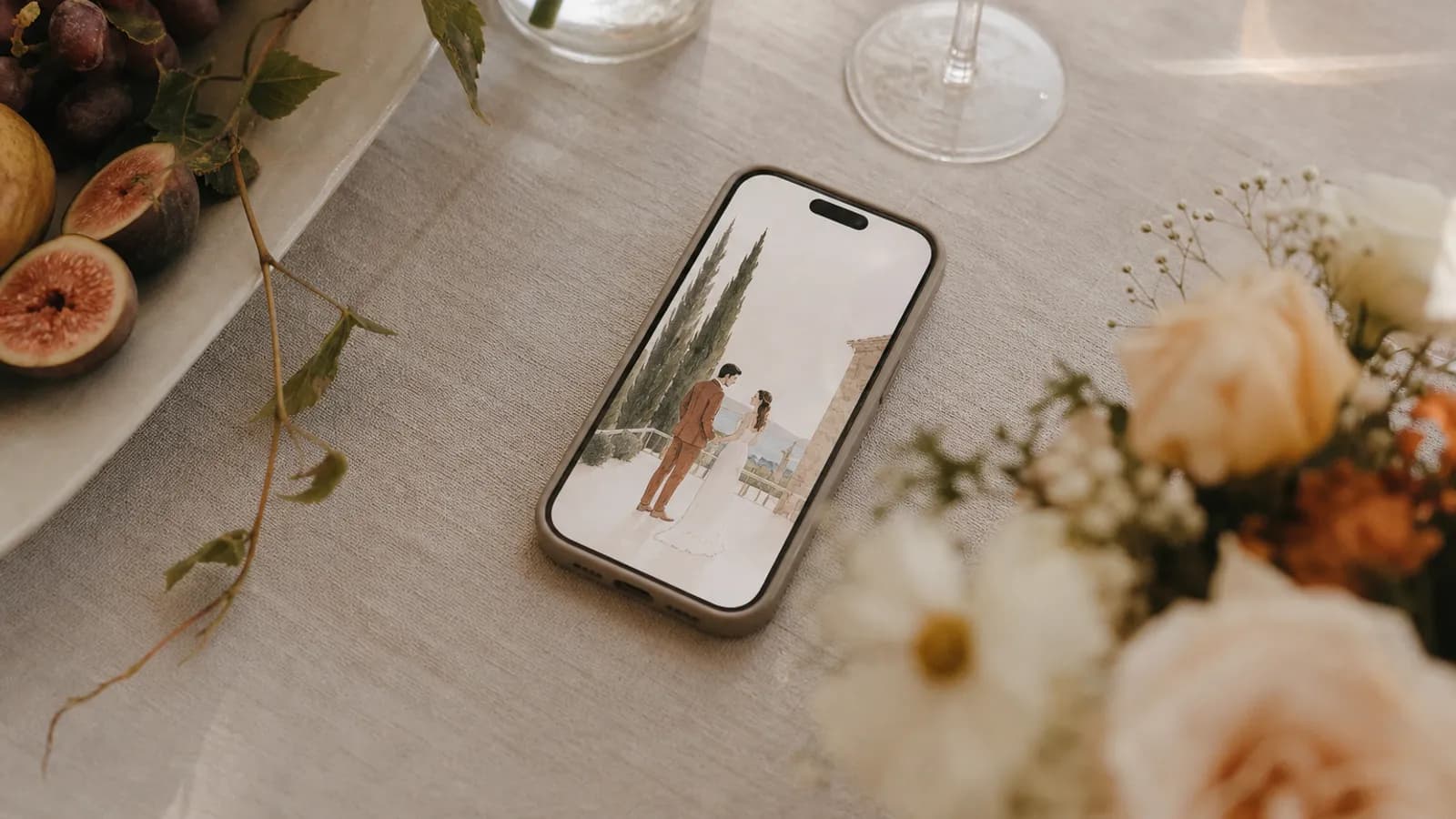
A friend forwards you a link. You tap it on the sofa, half-watching something, and an envelope on the screen unseals itself with your name written across the front. For a second you stop. That pause shows what a digital wedding invitation can do when it is designed as its own format rather than as a cheaper copy of paper.
Our product experience suggests that feature count alone does not create a thoughtful first impression. Clear wording, personal delivery and an intentional opening matter more than adding every available block.
What a digital wedding invitation actually is
A browser-based digital wedding invitation puts the event at a shareable link: couple names, date, venue, schedule, dress code and, where supported, RSVP. It can open without a PDF attachment; check the chosen provider's account and app requirements before publishing.
That last part matters more than it sounds. Change the start time and guests who return to the hosted link can see the update. With paper, the couple may need a reprint, insert or separate correction message.
Interactive versions can add motion: an envelope that unseals, a foil panel you scratch to reveal the date, or a countdown that updates in real time. A flat image can still carry the details, but it cannot provide the same live interactions. Both get called "digital invitations," so preview the guest-facing result before choosing.
Why couples are moving away from paper
Three practical advantages are separate from aesthetics:
- Speed. There is no print production or postal lead time.
- Integrated RSVP. A suitable platform can collect headcount, dietary notes and messages in one dashboard instead of across several channels.
- Remote delivery. A browser link can reach guests in different countries without international postage, although device and connection quality still matter.
If you want the full side-by-side, compare an image, PDF, video, wedding website, hosted invitation and paper hybrid. If you already know you want a hosted format and are choosing a service, our comparison of nine digital wedding invitation platforms separates opening experience, RSVP, delivery and total price.
Cost assumptions, 20 August 2026: Digital uses Saventify's €67 one-time price, shown as $78 after applying the ECB reference rate for 19 August 2026 of €1 = $1.1605 and rounding. Your card issuer's conversion may differ. The $3.50 printed amount is an illustrative card, envelope and postage estimate per mailed invitation, not a printer quote.
Under those assumptions, print cost rises with each mailed household while the Saventify digital price stays fixed for unlimited guests. Paper choice, finishing, destination and the number of households can change the comparison.
The pieces that make a digital invitation work
A digital invitation is not one screen. It is a sequence, and the order is deliberate.
| Element | What it does |
|---|---|
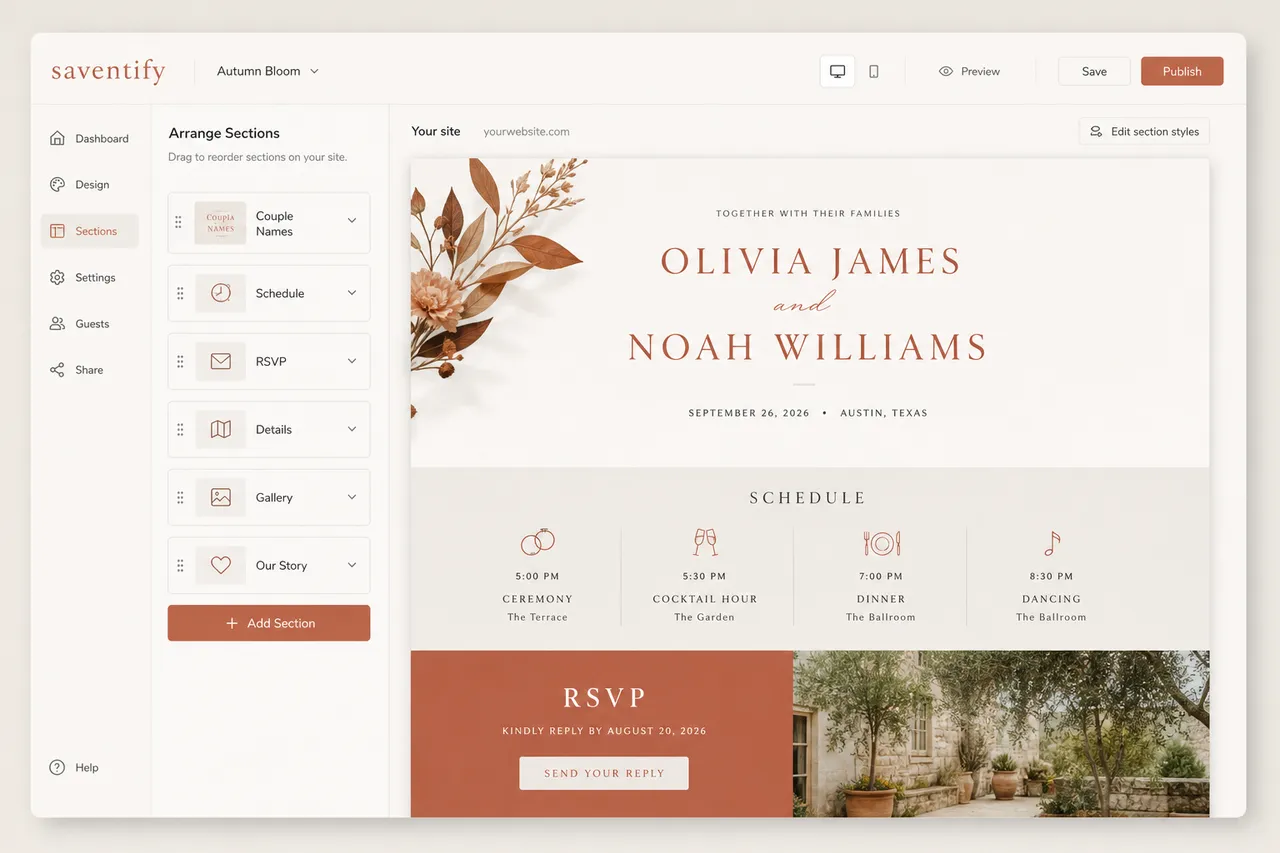
| The opening | The envelope or reveal that makes a guest pause before they read anything |
| Couple and date | The two facts every guest needs, above the fold |
| Venue with directions | Address plus a button that opens Google Maps or Waze |
| Schedule | Ceremony, dinner, party, in the order of the day |
| RSVP | A tap to confirm, plus headcount, dietary notes, and a message |
| Countdown | A live number that keeps the day present in their mind |
A concise invitation needs the couple, date, place and a clear reply path. Add an opening, countdown or longer schedule only when it helps guests or reflects the celebration.
One link, not a screenshot
Send the live link, never a screenshot of it. A screenshot kills the animation, breaks the directions button, and freezes the RSVP. The link is the product. The screenshot is a photo of the product.
How to actually make one
The mechanics are simple once you stop thinking like a printer. Pick a template, drop in your details, set the RSVP deadline, and send the link. We break the whole flow down, step by step, in how to make a digital wedding invitation.
The two decisions that shape everything else are the look and the wording. For the look, wedding invitation styles and formats walks through what suits a garden lunch versus a black-tie evening. When you want to compare current product previews instead of thumbnails, use the digital wedding invitation example gallery on your own phone. For the words, our wedding invitation wording guide has copy you can lift directly, including a version written specifically for the screen rather than the page.
Sending it without it dying in a group chat
Delivery can weaken an otherwise clear invitation. A link dropped into a busy group chat is easier to miss or misread than one sent with the guest's name and context.
Send it the way you would hand someone a real card: directly, with the guest's name and a short personal message. What to write around the invitation link covers channel choice, recipient scope and 24 copy-ready messages.
Timing depends on travel, season and venue deadlines. Sending too early can separate the invitation from the decision; sending too late can leave guests without planning time. When to send wedding invitations gives you a planning calendar, including the longer runway destination weddings may need.
Before you invite, save the date
The invitation is not the first thing your guests should hear from you. A save-the-date goes out months earlier to reserve the day, especially if anyone is travelling. The invitation handles the detail later. If you are unsure which is which, save-the-date versus invitation settles it in two minutes.
The questions we get asked most
Digital wedding invitations, answered
When you are ready to see what an opening can feel like, start with a template and make it yours.
Create your digital wedding invitation
Templates with built-in RSVP, map buttons and a live countdown, ready to personalise for your guest list.
Start with a template

About the author
Wedding invitations, RSVP and save the date
Larisa writes the Saventify wedding guides. She covers digital invitations, save the dates, RSVP, guest lists and the templates couples actually send.
All articles by Larisa