
Authors
- Larisa
Wedding invitations, RSVP and save the date
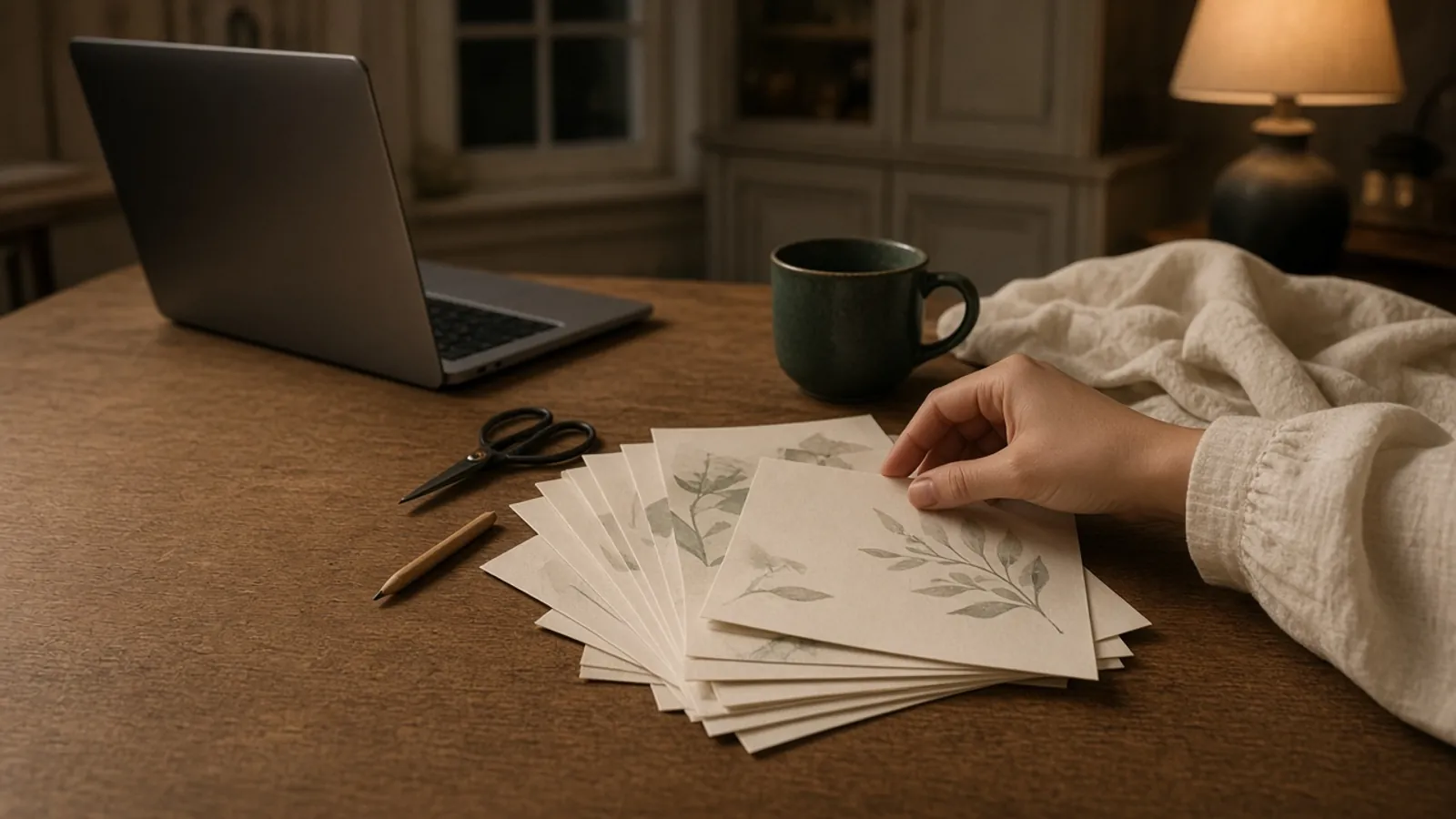
Yes, you can make a wedding invitation or a save-the-date in Canva, and plenty of couples do. Know one thing before you start: you become the designer, the animator and the person who builds the RSVP. If you want an invitation that arrives finished, moves when it opens and collects replies, a ready-made interactive invitation is the shorter path.
Here is what each route asks of you, so you can choose the one that fits the evenings you actually have.
What a moving Canva invitation with RSVP involves
Canva's wedding invitation maker gives you templates, a drag-and-drop editor, your own uploads and AI tools. A template is a starting point. Getting from there to something guests can open and reply to takes several separate jobs.
- Replace every text box. Names, date, ceremony and reception venues, times, dress code and the reply-by date. Then check that the font has every character your names need, such as the ë in Zoë or the á in Siobhán, before you build the rest of the design around it.
- Animate it, piece by piece. Canva applies animation to a page, an element or a text box. For each one you pick a speed preset (Slow, Medium or Fast) or set exact intro and outro durations, then preview and adjust. More animation styles and transitions sit on the paid plans.
- Choose an export that keeps the motion. Motion only survives as an MP4 or a GIF. A PDF doesn't support animation, and JPG and PNG files are still. On the free plan, MP4s download at up to 1080p and GIFs run for up to a minute. Whichever you send, a file collects no replies. Our guide to images, PDFs, videos and hosted invitations shows how each format behaves once it reaches a guest.
- Build the RSVP as a separate piece. To take replies inside Canva, you publish a Canva website and add a Forms element. A form holds up to 10 questions. On Canva websites the responses are always anonymous, so one of those questions has to ask for the guest's name. Replies appear in a Responses panel and download as a CSV file. On the free plan the site lives on a my.canva.site address, and Canva notes that forms are still reaching every account.
- Make each version by hand. Every language your families read means another copy of the design, and Canva's Translate tool is marked Pro. The same goes for an evening-only version if some guests join you after the wedding breakfast.
- Watch for watermarks. Pro elements show a watermark on the free plan. You remove it by buying a licence for that one design or by subscribing to Canva Pro.
- Re-export after every change. If the start time moves, you edit the design, export it again and resend the new file to everyone who had the old one.
None of these steps is hard on its own. Together, they add up to a project.
Two days for thirty seconds
A couple who later chose a Saventify invitation had first made their own save-the-date in Canva. A 30-second clip took them two days, and only then did they see how much work goes into a design.
That's the real cost of building it yourself, and it's counted in evenings rather than money.
What the ready-made route looks like
A Saventify invitation starts from a finished design rather than a blank page. You choose a template, and its opening is already animated: an envelope closed with a wax seal, a curtain or sky lanterns, then the details.
- You type the details once. You enter names, date and places a single time, and the template puts them where they belong. The date can appear in eight places, and you edit it in one.
- RSVP is built in. Guests reply inside the invitation: attending or not, guest names, plus-ones, children with their names and a children's menu, dietary needs, accommodation, transport, which events they'll attend, a song request and a message. They can change their answer later.
- Languages live in one invitation. One invitation can hold multiple language versions, each written by you, and you choose which version each guest receives.
- Replies become a guest list. Every answer lands in your dashboard and exports to Excel. Confirmed guests carry into the visual table planner.
- The price is fixed. Designing and previewing are free. You pay €67 once when you publish, with unlimited guests and unlimited edits. The details are on the pricing page.
- Changes stay on the same link. Guests who open it again see the current version, so nobody needs a new file.
You still send the link yourself, by WhatsApp, text or email, in your own words.
For the save-the-date, the interactive save-the-date designs include a scratch card, a vault dial, a typewriter letter, a music box and a fortune cookie. They're free to publish with a small Saventify credit at the bottom. An optional €10 upgrade removes the credit and gives you a discount code for the invitation.
Canva and Saventify side by side
| Opening and motion | RSVP | Language versions | Print and matching pieces | Cost model | |
|---|---|---|---|---|---|
| Saventify | Envelope, curtain or sky-lantern opening already animated in each template | Built in: attendance, plus-ones, children, dietary needs, accommodation, transport, events and a message; guests can edit replies | Multiple language versions you write, inside one invitation | Made for the phone; you share one link by WhatsApp, text or email | Free to design, €67 once at publish, unlimited guests |
| Canva | You build it: animate each page or element and set intro and outro timings; motion survives only as MP4 or GIF | A Forms element of up to 10 questions on a published Canva website; responses are anonymous there, so you add a name question; CSV download | A separate design for each language; the Translate tool is marked Pro | Canva’s strength: printing through Canva Print, plus matching paper stationery, signage and social posts in the same style | Canva’s strength: a free plan with full design freedom; Pro elements carry a watermark unless you license that design or subscribe to Pro |
When Canva is the better choice
Canva fits couples for whom the making is part of the fun. If you enjoy designing and want control over every element, it gives you that freedom.
It's also the stronger choice for paper. You can order printed invitations through Canva Print and design the order of service, table signs and social posts in the same style. If the budget for stationery is zero, the free plan covers a lot of ground.
Some couples split the job: printed cards from Canva for the grandparents who keep them on the mantelpiece, and a live invitation link for everyone who replies from a phone. If you're still weighing up platforms for that link, our comparison of the best digital wedding invitation platforms sets them out by RSVP, sending and price.
Open a finished invitation first
Four real templates
Watch the opening before you design one
These are real Saventify templates. Open one on your phone, watch the opening, then read the details and find the RSVP as a guest would.
See all templates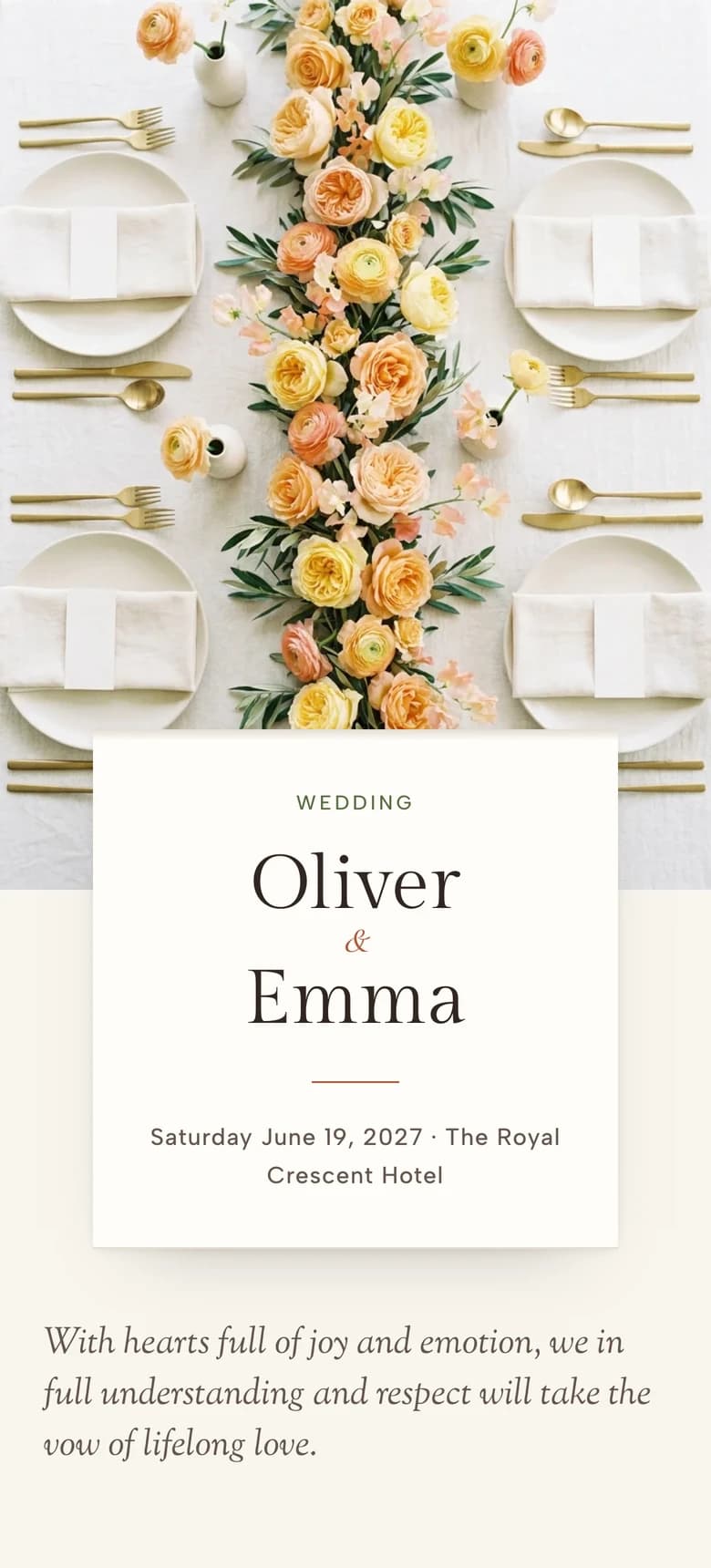

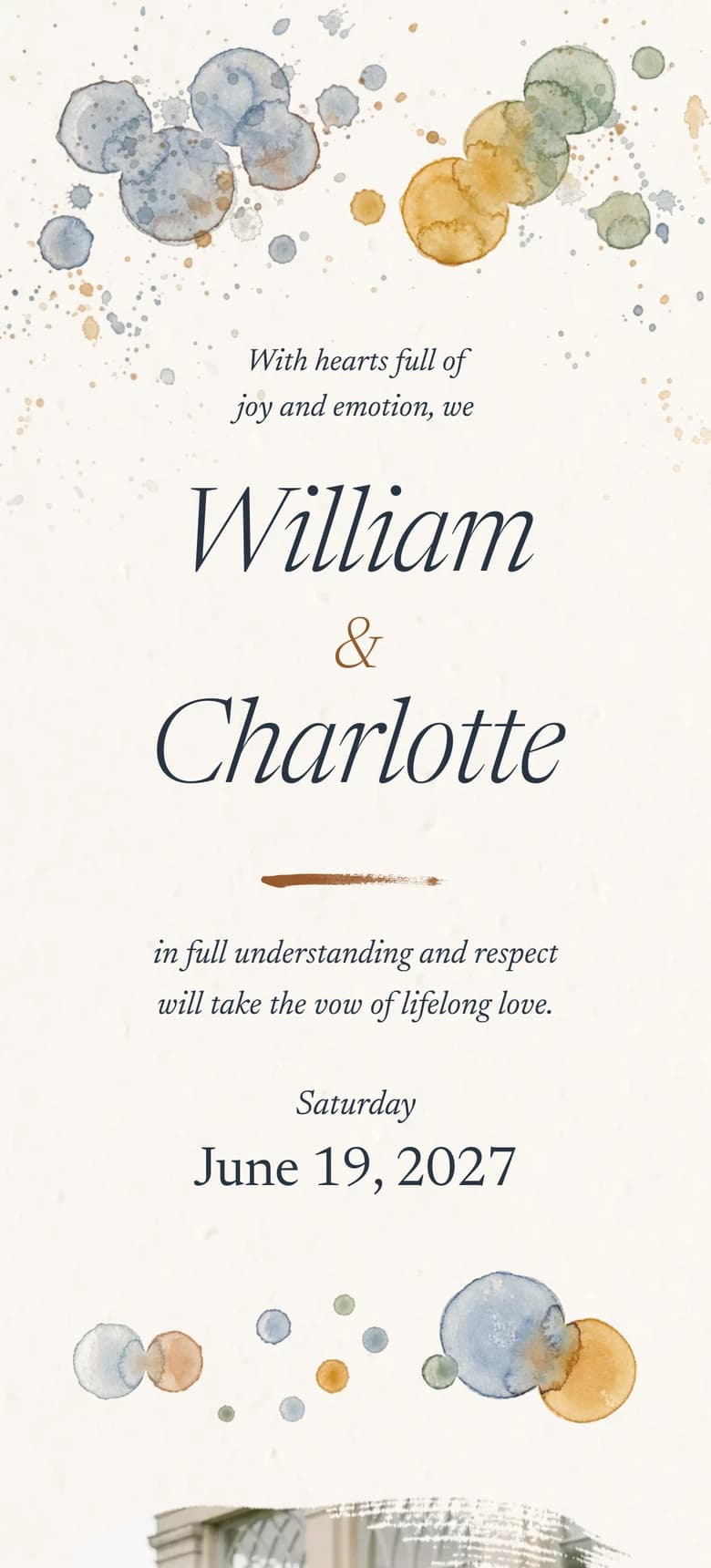
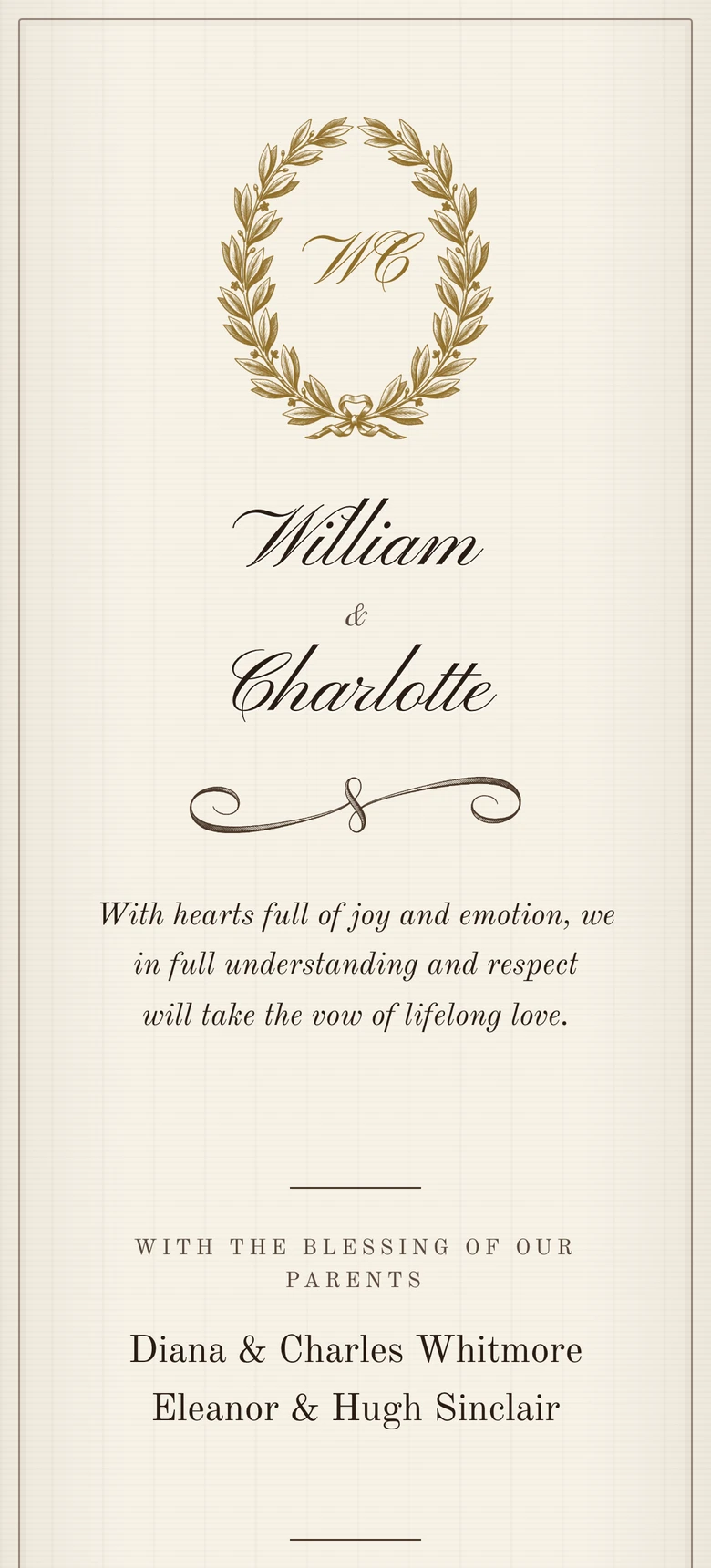
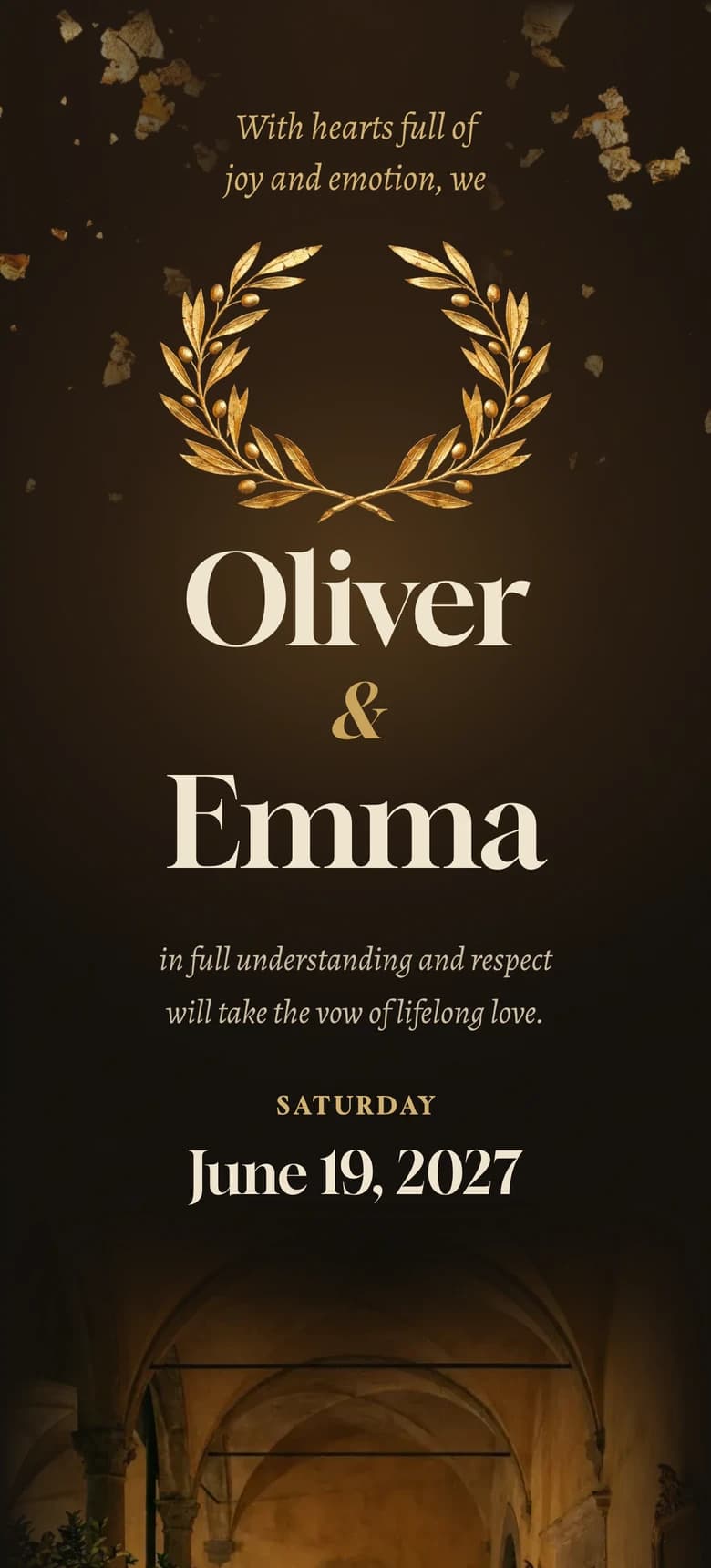
The Long Table lays the sections out like stationery on ivory linen with a runner of garden roses. Watercolor II brushes blue-grey and ochre around your names. Vintage Elegance II reads like an engraved card in warm ink on ecru. Aurelia II writes in ivory on dark paper for a candlelit evening.
If we were choosing for a moving opening, built-in RSVP and multiple language versions without building any of it ourselves, we would choose Saventify. If we wanted printed cards and a matching paper suite we designed ourselves, we would choose Canva.
Before you open a blank design, open two templates on your phone and see how long it takes to reach the RSVP. Then decide which project you want.
Start from the opening, not a blank page
Every template is free to design and preview. You pay €67 once, when you publish. See the templates.
About the author
Wedding invitations, RSVP and save the date
Larisa writes the Saventify wedding guides. She covers digital invitations, save the dates, RSVP, guest lists and the templates couples actually send.
All articles by Larisa