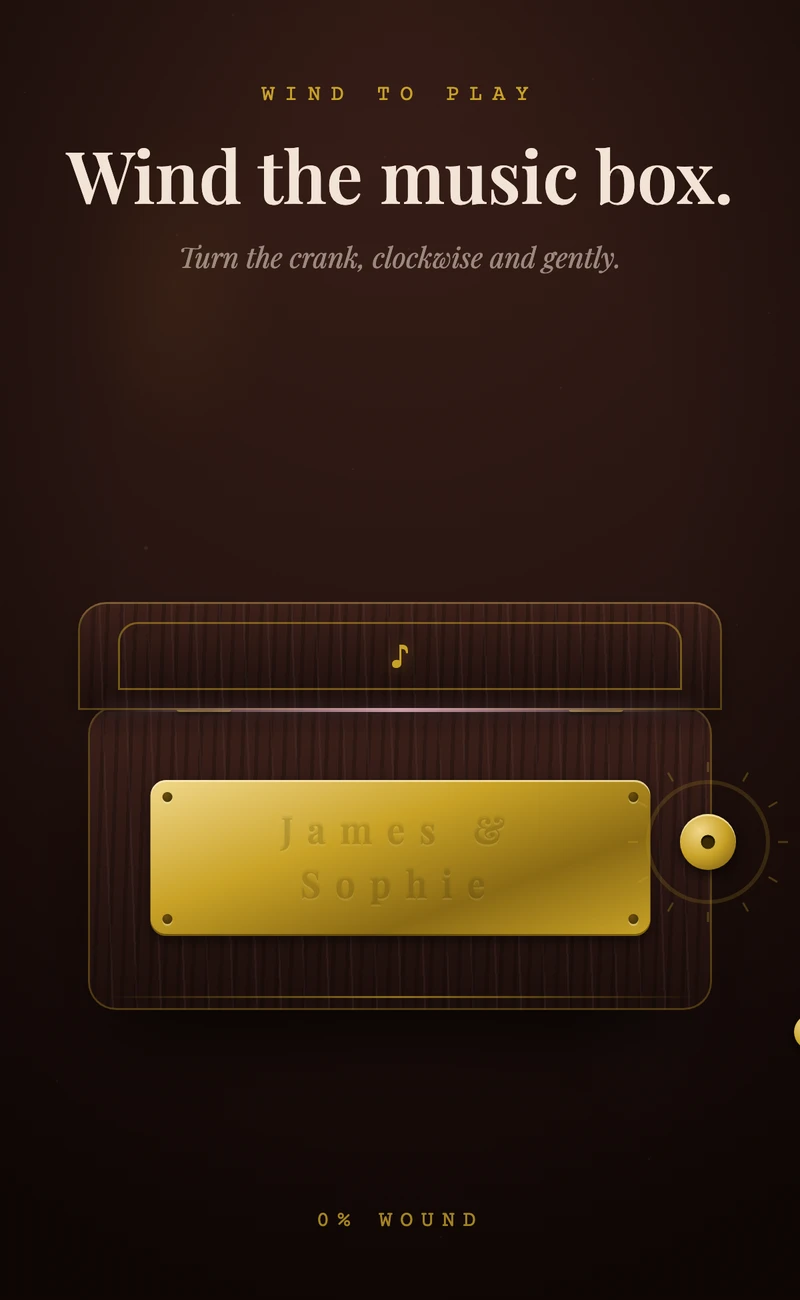
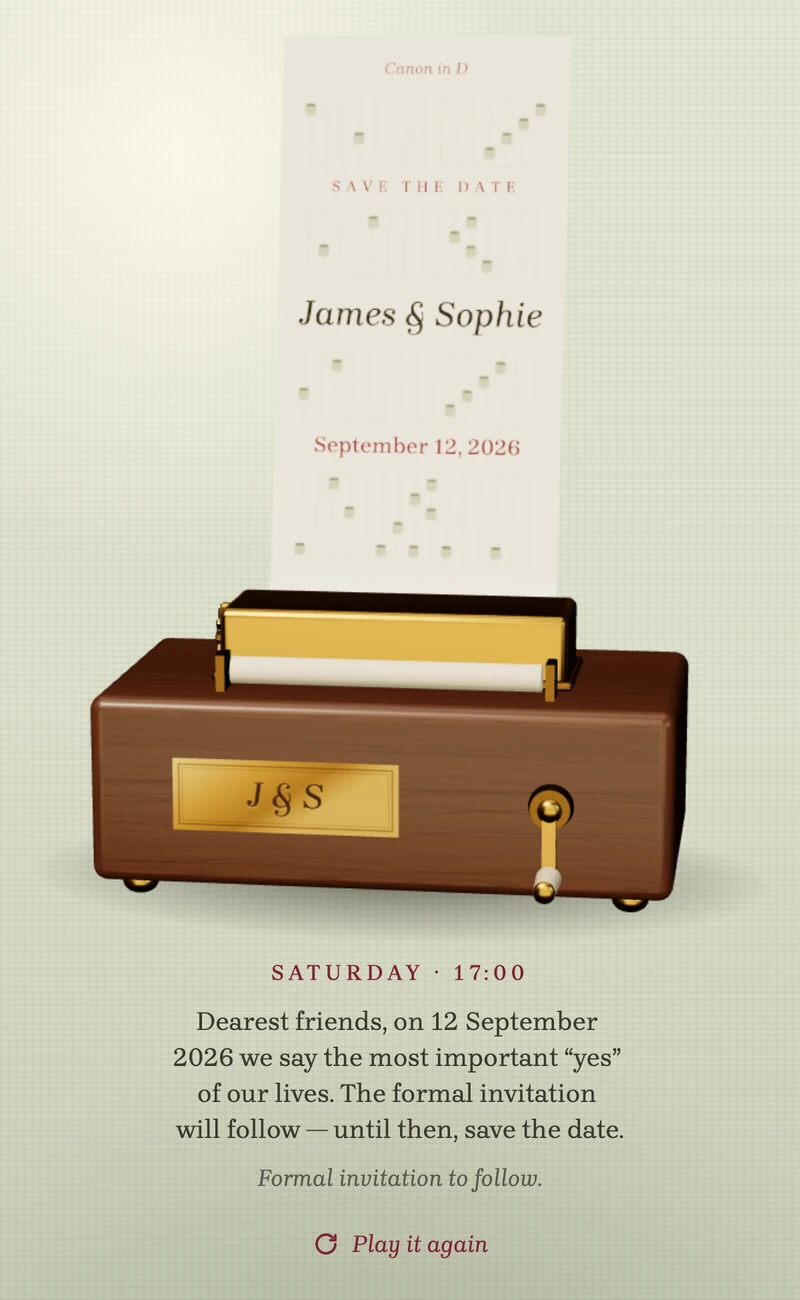
Save the date
Wishing Well II: the save the date that surfaces in a wishing well
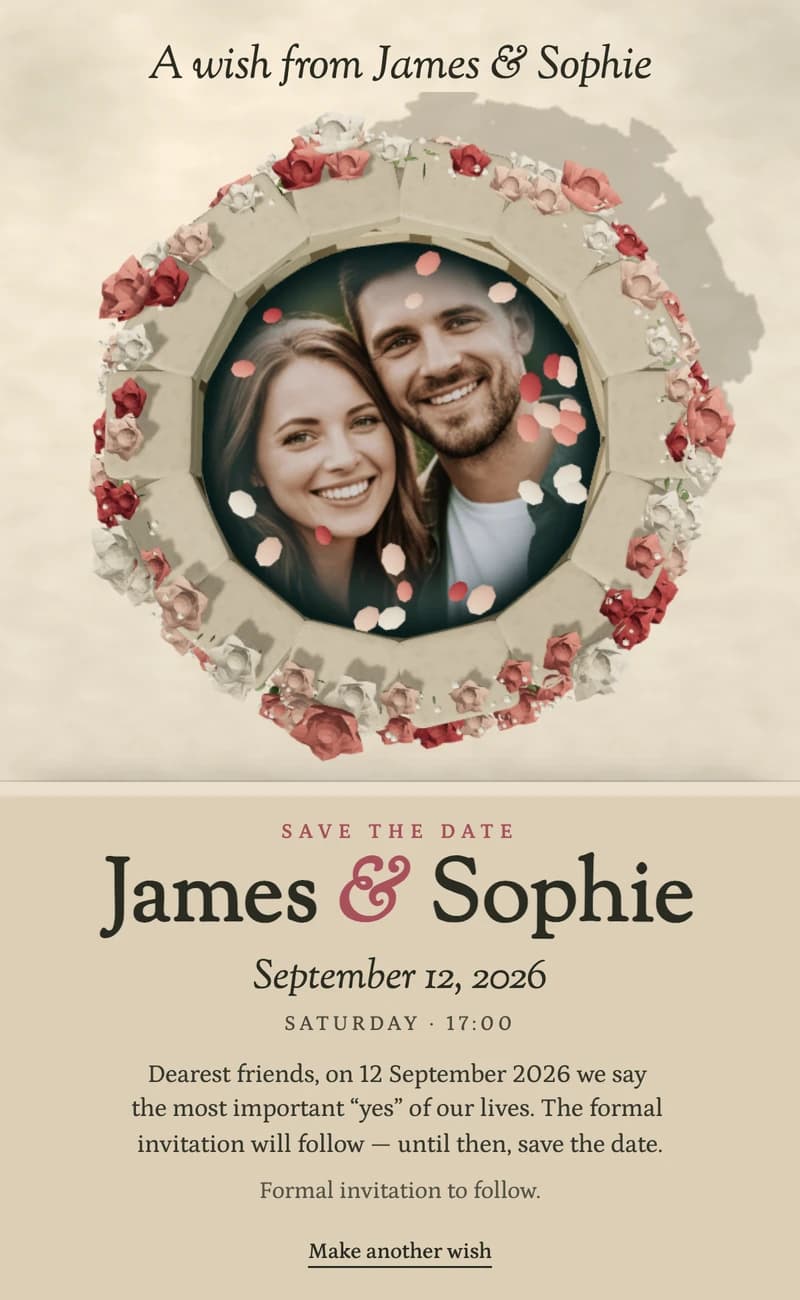
Wishing Well II is a free, animated digital save the date. Your guests open one link on their phone and flick a coin into a well dressed with roses. As the ripples settle, your photo surfaces in the water with the date below. It needs no app, and you can edit it after you send it.
Free to send · One link · No app
Where the replies usually end up
The date goes out in a group chat. The invitation follows as a PDF. Replies come back by text, by phone and by email, and one of you copies them into a spreadsheet. Then the tables are drawn again on paper.
Here it stays in one place. Guests reply on the invitation you send, and everyone who says yes appears in your seating plan.
One wedding, told in order
Three steps, in the order your wedding happens. Start with the first one today.
Step 1 · Now
Send the date
Wishing Well II goes out as one link. It is free, and you can change the date or the city after you send it.
Step 2 · When the details are set
Send the invitation
Venue, schedule and a reply form sit inside the invitation. Guests answer there, with plus-ones, children and meal notes. €67, paid once.
Step 3 · As the replies come in
Seat your guests
Everyone who says yes appears in the table planner. You drag them onto chairs. The planner is included in the invitation price.
Step 2
Send the invitation and collect every reply
Send it once the venue and the schedule are fixed. Guests answer inside the invitation, so replies stop arriving by text, phone and email.
- Guests reply in the invitation
- Yes or no, plus-ones, children and meal notes, in one form.
- You see every answer in one list
- Your dashboard shows who is coming. Export the whole list to Excel in one click.
- You send one link
- Share it by WhatsApp, SMS, email or QR code. Edit it after you send; the link stays the same.
- It matches this save the date
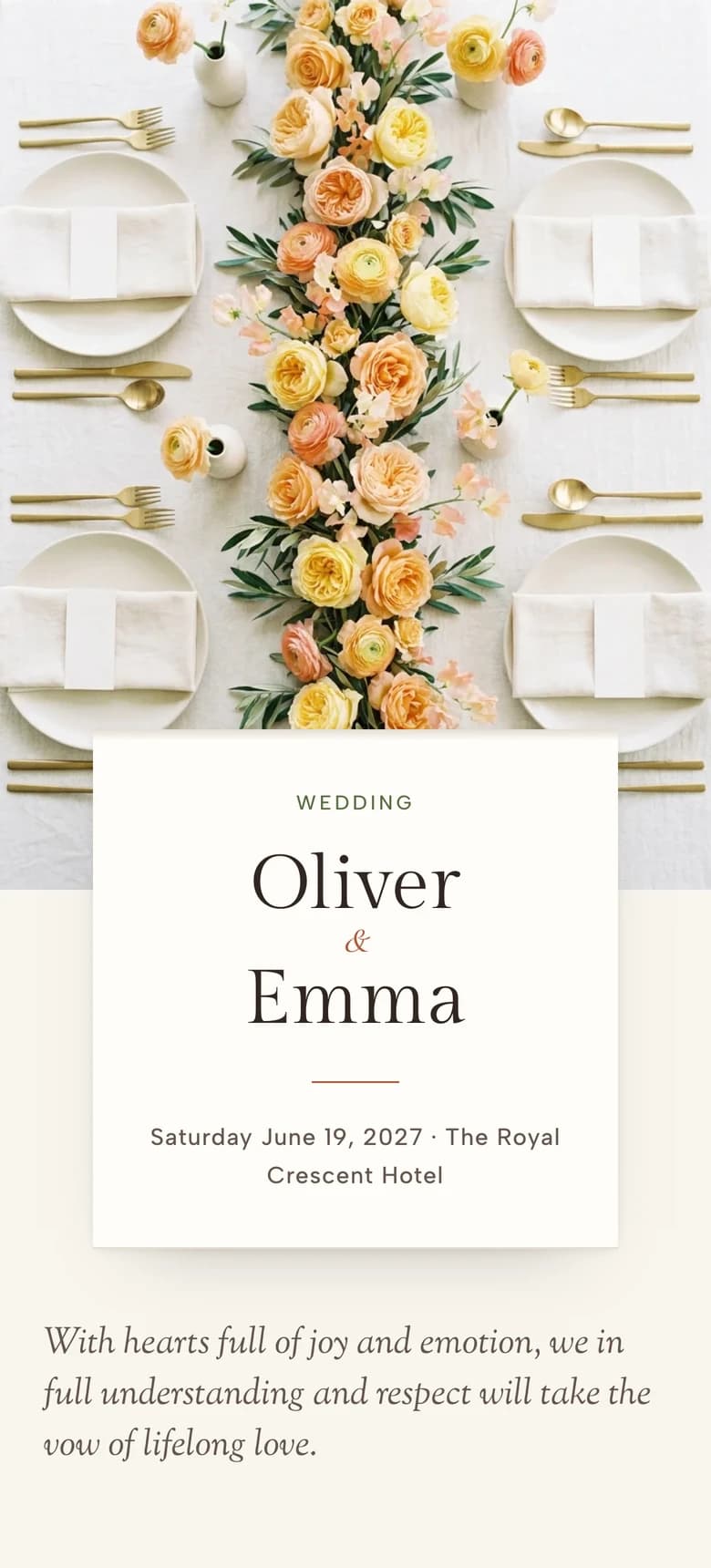
- The Long Table is dressed in the same garden roses. Any other template works too.
Designing it is free. You pay €67 once, when you send it. The table planner is included.
Step 3
Then seat everyone who said yes
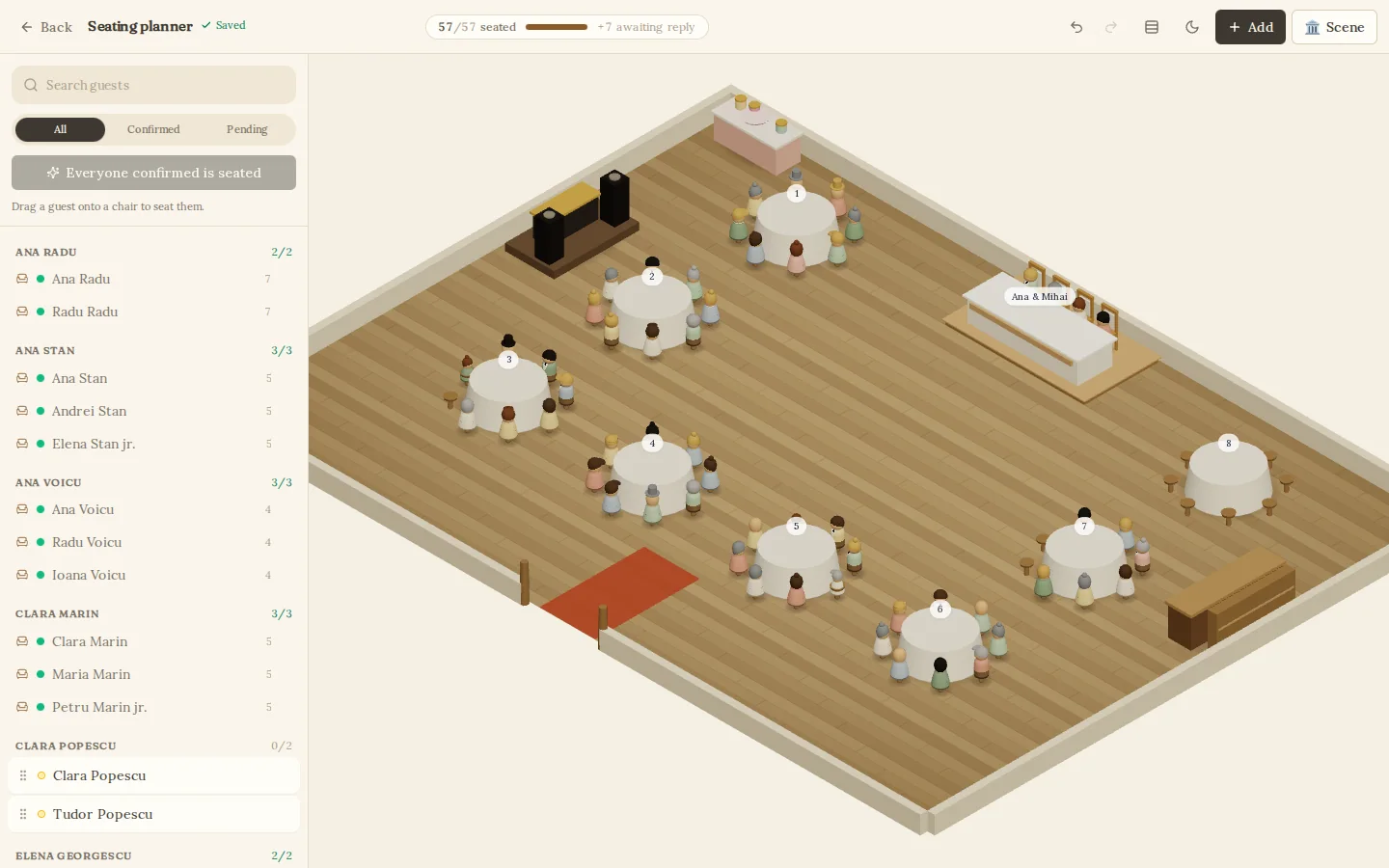
Confirmed replies appear in a 3D room drawn to scale, grouped by family. You drag them onto chairs. Nothing to import, and nothing to type twice.
- Seat everyone at once
- One tap seats everyone still standing and keeps each family together. Every move can be undone.
- See who still needs a chair
- A counter compares seated guests with confirmed replies.
- Plan it together
- Anyone you invited to edit the invitation can move guests in the same plan.
- Keep a copy
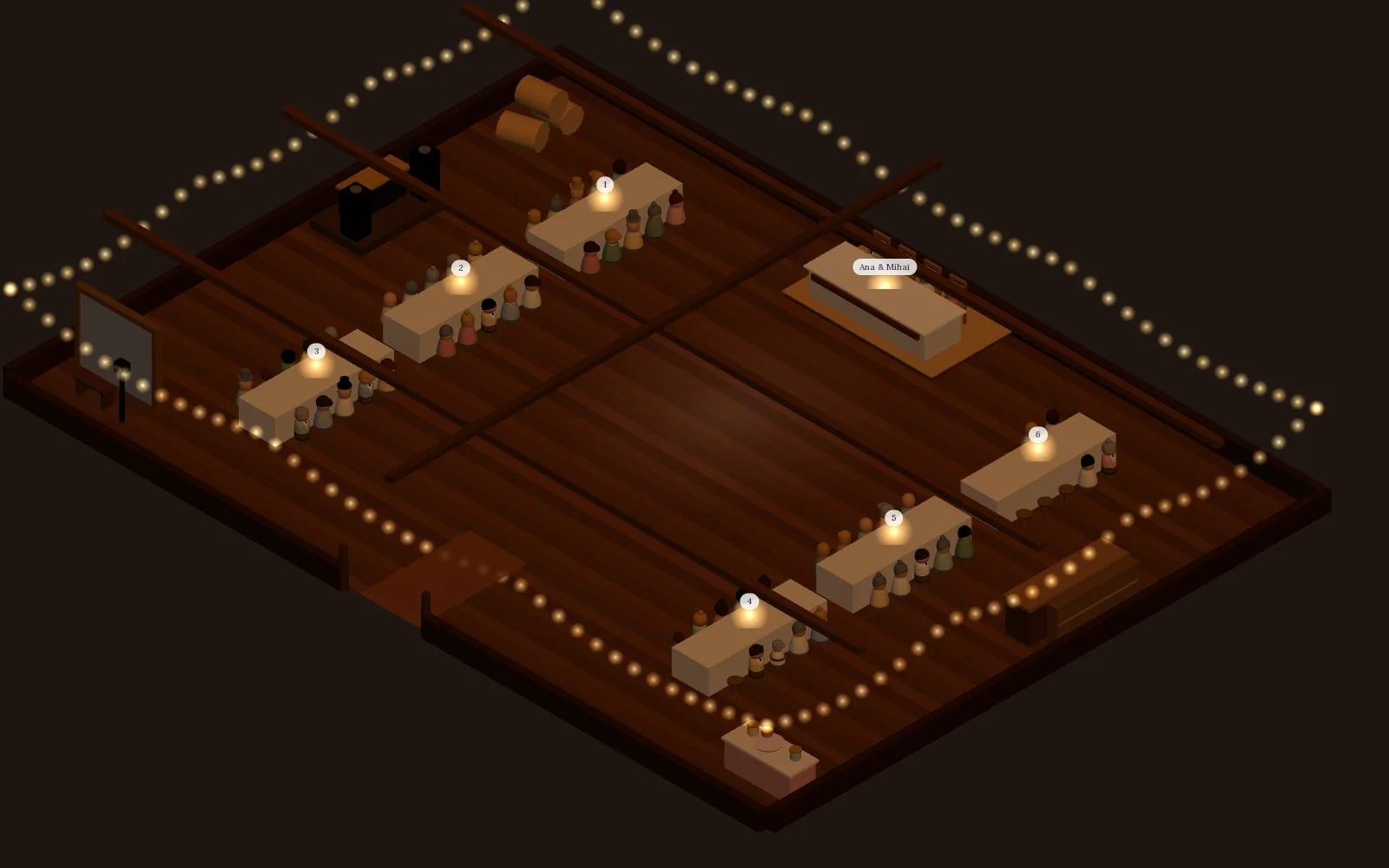
- Save a picture of the room. The Excel guest list gains a column with each family’s table.
By the wedding week, the lists are done
- You know who said yes.
- Every family has a table.
- Your partner has seen the same plan.
- A picture of the room is saved.
Before you make a wish
Are Saventify save-the-dates free?
Yes. Every template is free to publish and share. An optional one-time upgrade removes the small Saventify credit and credits ten euros toward your full wedding invitation when you build it later.
How early should I send a save the date?
Send your save the date six to eight months before the wedding. For destination weddings, holiday weekends, or any wedding requiring travel, send nine to twelve months ahead so guests can book flights and accommodation in time.
Can I edit the names, date, and city myself?
Yes. Every template is fully editable in your browser. Change the partner names, the date, the time, the city, the tagline and the hashtag in seconds, with no design skill required, and republish instantly.
Will my guests need to download an app?
Never. Your save the date is a single link. Guests open it in iMessage, WhatsApp, Instagram DM or email and see the full animated card on the device they are already holding.
Is the table planner included?
Yes. It opens when your invitation is published and is part of the one-time price of €67. The save the date is free and does not need it.
Start with the date
Put your photo in the well today. It is free. The invitation and the seating can follow when your details are set.