
Authors
- Larisa
Wedding invitations, RSVP and save the date
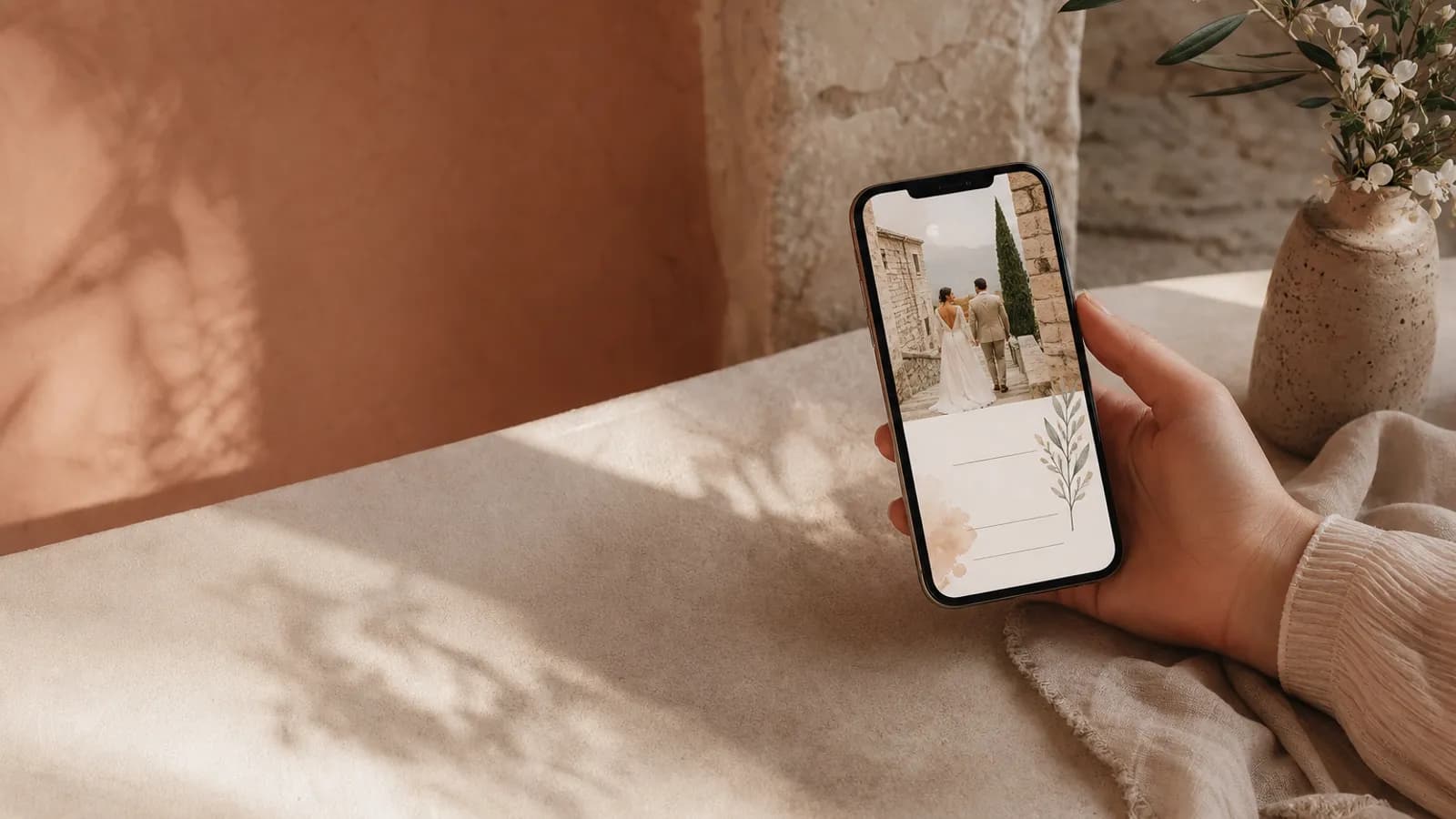
A printed invitation is held in two hands and read once. A digital one is thumbed through on a sofa, half a screen at a time, often between two other notifications. The words that look grand engraved on heavy card can feel like a wall of text on a phone. Wording for the screen is a real skill, and it is mostly about cutting.
Write for the thumb, not the page
The phone reads top to bottom in a scroll, in short bursts. So:
- Short lines beat long sentences. Break the formal block into stacked lines the eye can catch.
- Front-load the facts. Names and date first, before any flourish, because the first screen is what most guests read.
- One idea per line. A phone is unforgiving of dense paragraphs.
The same affection, fewer words. Take a formal paper line like "request the honour of your presence at the marriage of" and let it become "We're getting married, and we want you there." Warmer, shorter, and it reads in one glance.
The structure that works on a screen
| Screen position | What goes there |
|---|---|
| First view | Names and date, the headline |
| Scroll one | A warm line, the venue, directions button |
| Scroll two | The schedule, the dress code |
| Scroll three | The RSVP, with a clear button and deadline |
A digital invitation reveals itself as the guest scrolls, so think in screens, not in one static block. The full structural logic is in our wedding invitation wording guide.
Make the RSVP wording carry weight
On paper the RSVP is a line at the bottom. On a screen it is a button, and the words on and around it decide whether people tap. Make it active and clear:
- Button: "RSVP" or "Let us know"
- Above it: "Tap to reply by 1 May, the caterer needs a headcount"
- After replying: a warm confirmation, "Thank you, we can't wait"
A vague RSVP is the top reason couples chase replies. A clear button with a dated, human reason gets answered. The collection side is in how to track wedding RSVPs.
Cut a third, then read it on your phone
Write your invitation, then delete a third of the words and open it on an actual phone. Almost every digital invitation is too long on the first draft. The phone tells you the truth that the desktop hides.
Keep the voice, lose the stiffness
Shorter does not mean cold. The warmth comes from sounding like you, not from length. Plain, spoken language reads beautifully on a screen, while formal paper phrasing can feel borrowed. If you want a starting point, the wording examples include warm and relaxed versions that already suit the format.
Keep the note outside the invitation even shorter. These 24 text messages for an invitation link cover friends, formal guests, couples, families, plus-ones and travel without repeating the wording on the screen.
Let the design carry some of it
On a screen, the motion and layout do work that words used to. An envelope that opens with the guest's name says "this is for you" before a single sentence. A countdown says "this is soon" without a line about it. Lean on the format, covered in wedding invitation styles and formats, and let the words handle only what the design cannot.
Write it where you can see it
Use the live phone preview to see each wording change as you type.
Create your invitation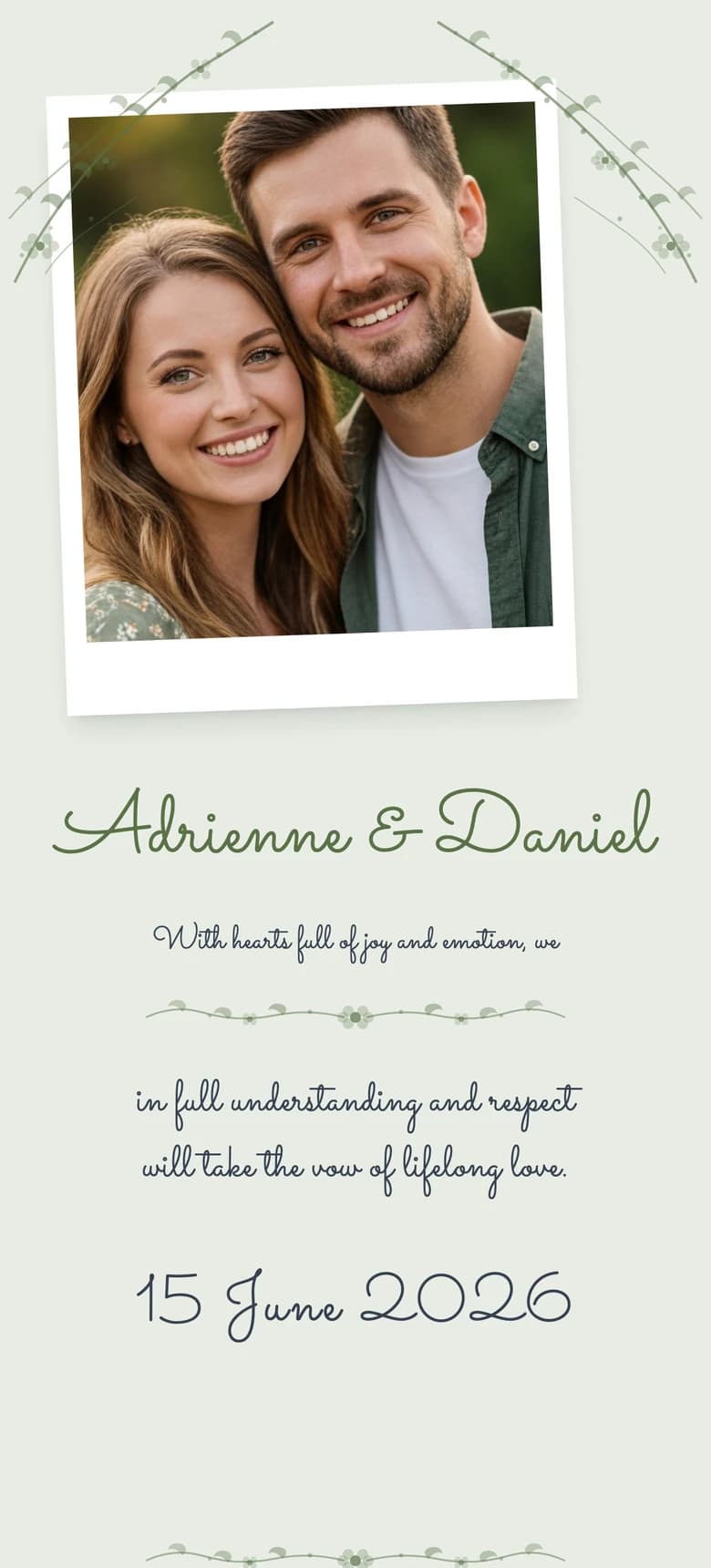
About the author
Wedding invitations, RSVP and save the date
Larisa writes the Saventify wedding guides. She covers digital invitations, save the dates, RSVP, guest lists and the templates couples actually send.
All articles by Larisa